Assistant workflows4 min read
Let your assistant find what you already copied
Use the ClipsX MCP server to turn saved snippets into a support handoff, coding context, or a grounded research comparison.
By ClipsX
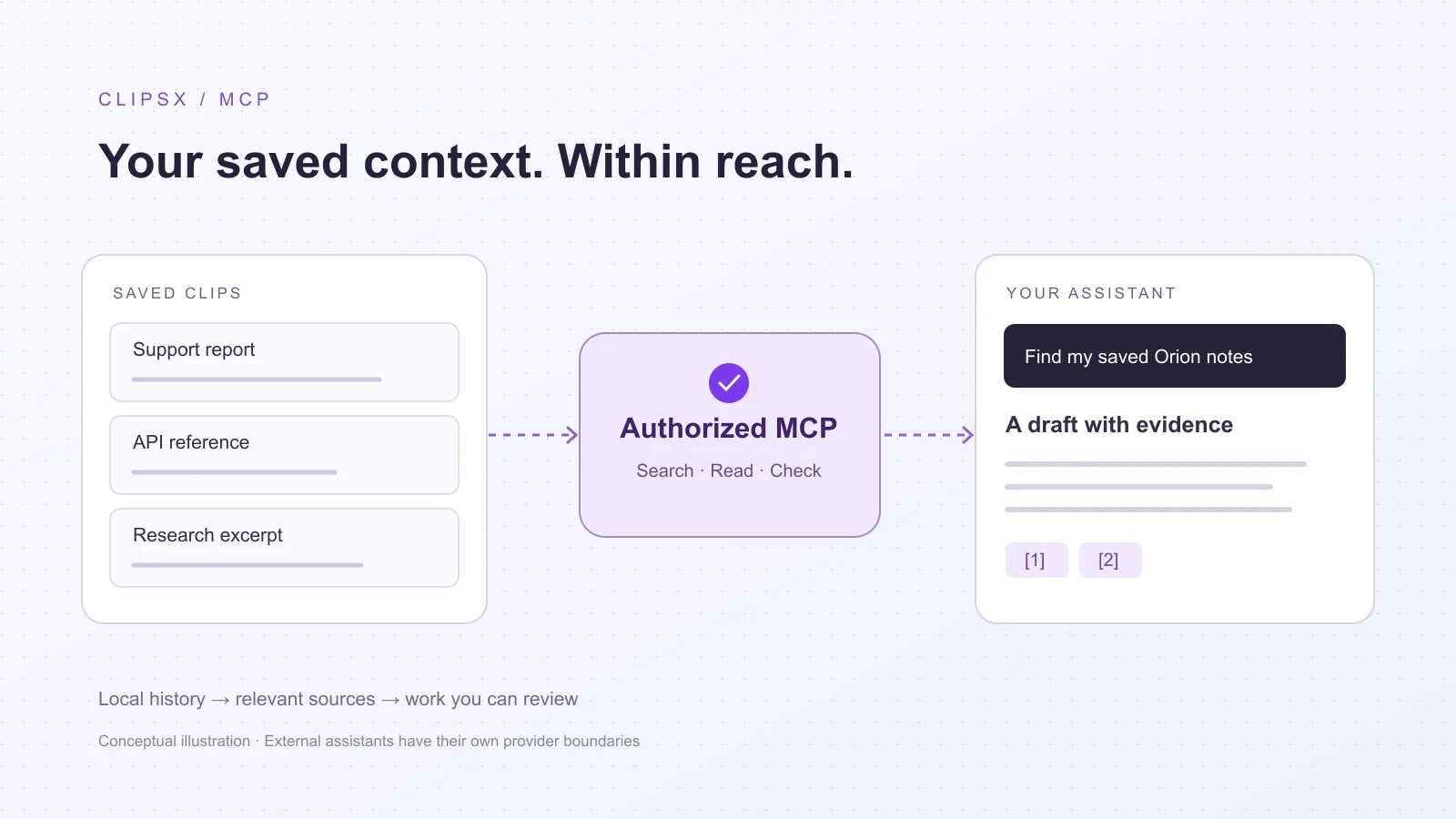
The context is already in your clipboard history
You copy an error, a paragraph from documentation, and a useful customer message. Later, your assistant needs those same details. Reopening tabs and rebuilding the story interrupts the task. ClipsX can expose eligible saved clips through MCP, so a compatible assistant can search for relevant material and read its sources when you need them.
MCP is the connection between the assistant and ClipsX, not a second chat model inside your clipboard. The examples below are realistic workflow scenarios, not observed customer results. Their value is a shorter path from scattered notes to a useful draft; they do not establish measured time savings or guaranteed accuracy.
Support: hand off the evidence, not just the symptom
A support engineer has copied a report about concurrent checkout failures and an API note describing timeout behavior. Ask: “Find my copied Orion report and API note. Draft an engineering handoff with the symptom, supporting excerpts, and unanswered questions.” Give a project name or approximate capture date to narrow the search.
The useful result is a handoff another engineer can verify without reconstructing the investigation. Check that the assistant reads the clips, distinguishes the customer’s observation from its own inference, and leaves the cause open when the evidence does not establish it. A shared timeout value is a clue, not proof of a defect.
Development: recover the API detail you read earlier
While implementing an integration, you copied an error message and a relevant documentation excerpt. Ask: “Find the retry guidance and connection error I copied for Orion. Explain what the saved notes support, and what I still need to verify before changing the code.” The assistant can bring those snippets into the current coding task.
Use exact identifiers for distinctive errors. For a vague memory, Meaning Search can help when embeddings and indexing are configured. The assistant should inspect candidates before proposing a fix. A saved excerpt may be old or incomplete, so check current official documentation when library versions or behavior matter.
Research: compare the passages you chose to keep
A researcher or product manager has copied passages about two tools during evaluation. Ask: “Compare the saved Orion and Vega notes on offline support. Separate explicit claims, missing information, and questions for follow-up.” The goal is a comparison grounded in selected passages, with a route back to each supporting clip.
This helps turn an interrupted reading session into a reviewable brief. It does not mean the assistant has searched the whole web or independently verified a vendor claim. If a clip lacks its original URL or publication date, preserve that gap instead of manufacturing a citation. Copied text is evidence of what was saved, not proof of what is true.
Start with read-only and one harmless note
In Intelligence → Integrations, enable the local server and add named access for your assistant. Follow the generated client instructions, restart the client as directed, and use Test access. Then copy a harmless note with a distinctive project name and ask the assistant to find and quote it. Creating access in ClipsX alone does not configure the other app.
ClipsX must remain running. Keyword retrieval needs no ClipsX AI model; meaning-based retrieval needs an embedding model and index. The external assistant uses its own model. Test access checks authentication and tool discovery, so also verify an actual search and source read in the client. Keep setup details in the guide rather than copying tokens into shared files.
Choose what the connection should allow
Read-only access is enough for these scenarios. Read/write additionally permits supported clip creation, organization, and undo; it does not grant arbitrary files, shell access, or history deletion. Create separate access for each assistant and revoke it when no longer needed. The local connection does not stop an external assistant from sending retrieved material to its provider.
Secret and private clips are excluded from assistant retrieval. Classification can miss sensitive content, and a failed privacy check does not automatically restrict a clip. Review your settings before using customer material. For organization or conditional Rewrite, decision models serve a different job: deciding what happens on a new copy, rather than answering an assistant’s later question.
Sources & next steps
Keep exploring
All articles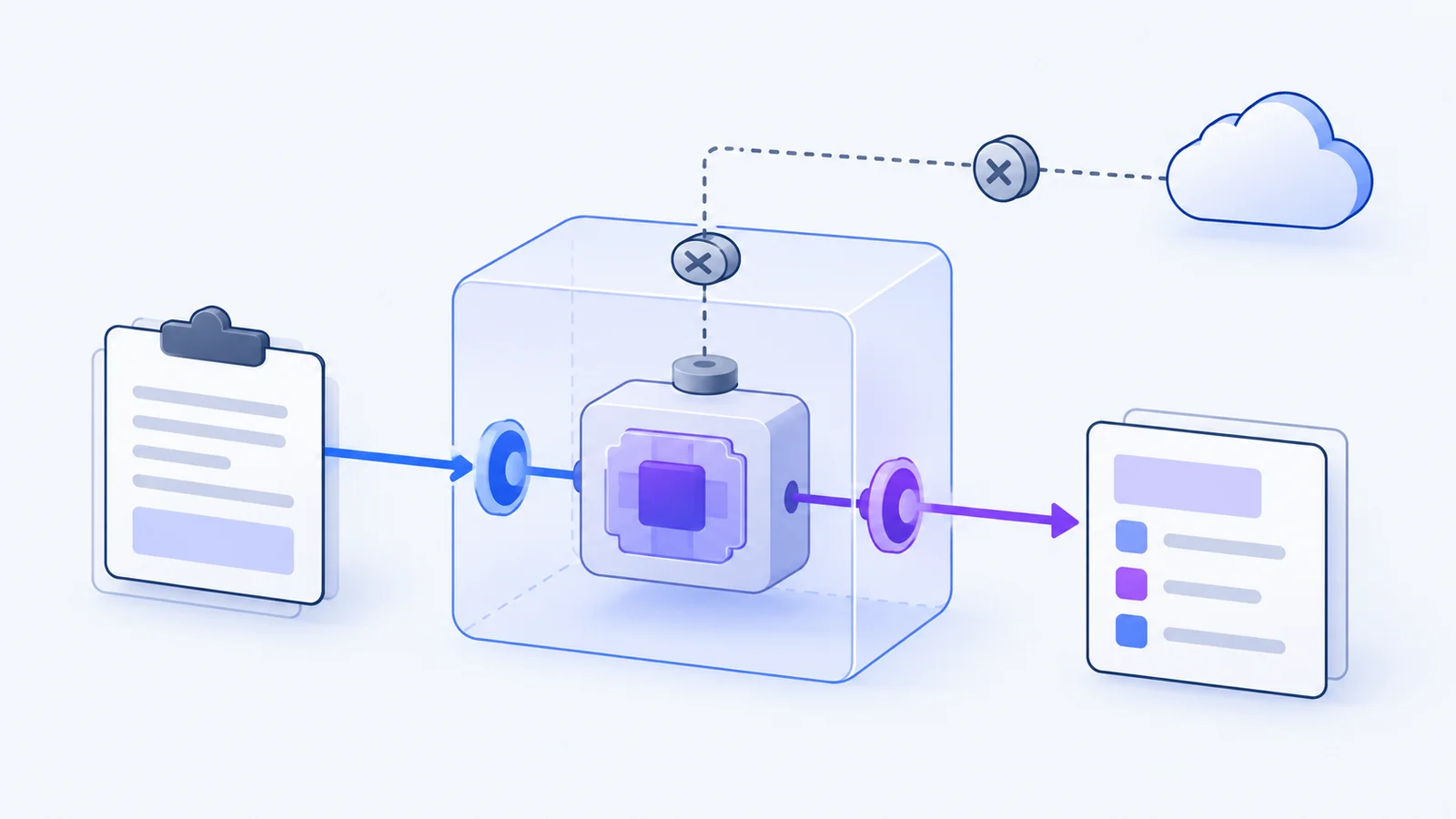
Extensions4 min read
Why clipboard extensions need boundaries
Make a copied snippet useful without handing every extension unrestricted access. A guide to capabilities, provenance, and consent.
Read article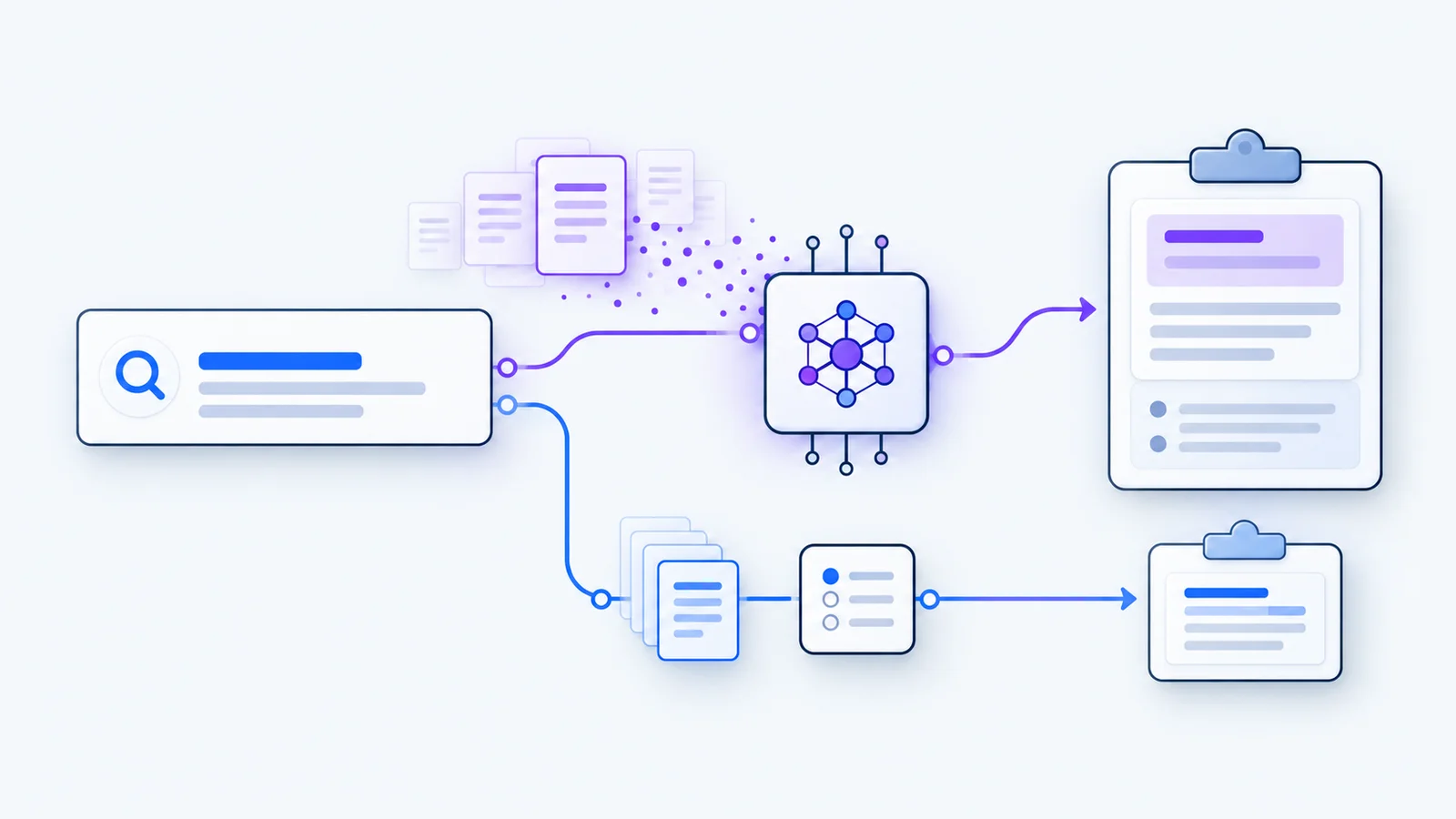
Local AI4 min read
Meaning Search, on your machine
Find a clip by the idea you remember. A practical guide to exact search, local embeddings, and Ollama setup.
Read article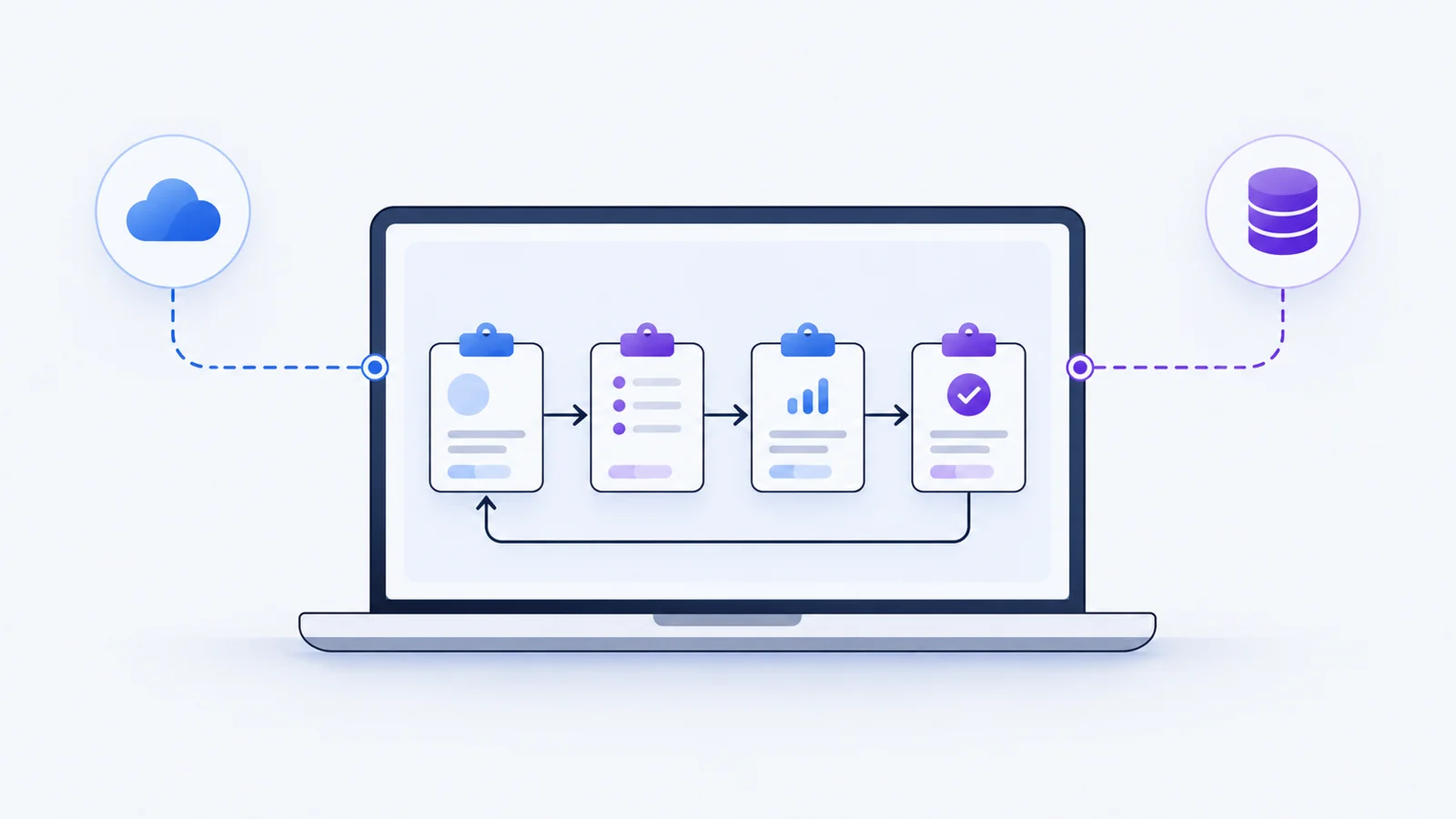
Privacy3 min read
Local-first is a data boundary, not a badge
What stays on your device, what an optional account changes, and what to check before connecting a service.
Read article