Local AI workflows5 min read
Rewrite work messages with local AI on Windows, macOS, and Linux
Refine copied messages on-device using Ollama and ClipsX Rewrite across Windows, macOS, and Linux. Compare model suggestions side-by-side, verify factual commitments, and keep full control over what you send.
By ClipsX · Updated
Copy your draft
Capture text into ClipsX without external transmission.
Run Rewrite
Process the clip via your locally running Ollama chat model.
Compare, then paste
Verify tone, deadlines, and requirements before pasting.
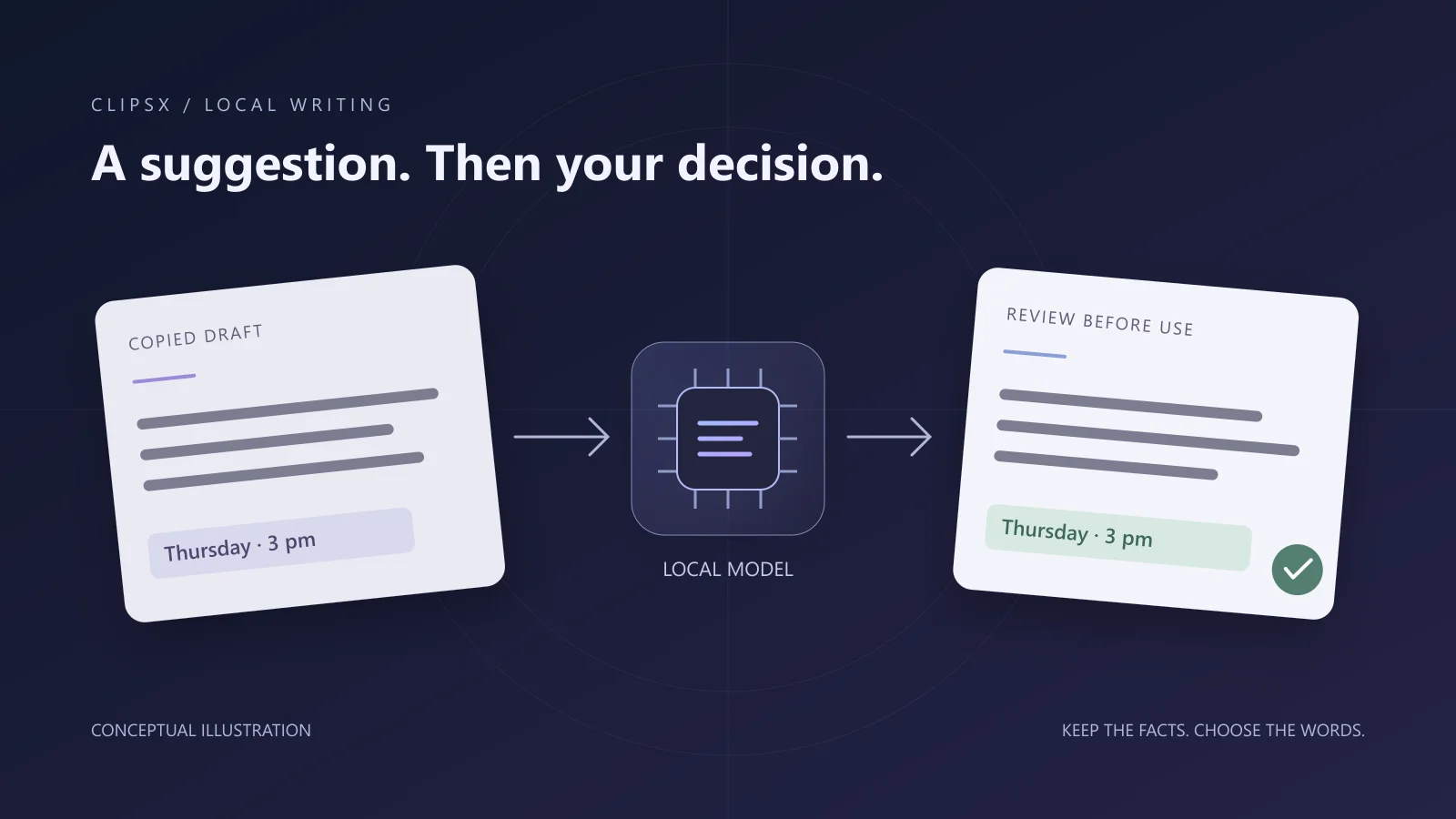
Manual Rewrite never overwrites your clipboard or pastes automatically. Every generated result is presented for inspection before use.
On this page
Soften the tone without losing the request
Across Windows, macOS, and Linux, ClipsX can dispatch saved text clips directly to a locally configured Ollama chat model via the Rewrite extension. The example below shows an unedited prompt and the actual response produced by gemma3:4b using the Business preset.
Original
You still haven't sent the agenda. Send it by Thursday at 3 pm. I need it before I can finish the review.Actual local-model suggestion
Please send the agenda by Thursday at 3:00 PM to ensure it is available prior to the review completion.The opening is noticeably more diplomatic and the deadline is preserved, but the conclusion becomes somewhat verbose and obscures the hard blocking dependency. This illustrates why model suggestions should be audited rather than accepted blindly.
What was actually tested?
Tested on November 7, 2026, using ClipsX 0.1.12 with Ollama / gemma3:4b assigned to Extension text generation. We copied the test message, triggered Transform → Rewrite → Business, and verified complete on-device generation without network requests. Ollama confirmed that model weights remained in local system memory throughout the run.
While this check was conducted on Windows, the ClipsX engine and the first-party Rewrite extension share identical core capabilities and extension APIs across Windows, macOS, and Linux. The sample input and output remain in English in both editions so that translation is not conflated with model rewriting.
Configure a text generation model, not an embedding model
Rewriting text requires an instruction-tuned chat model rather than an embedding model (which only calculates vector coordinates for Meaning Search). You will need ClipsX, the first-party Rewrite extension, a running Ollama instance, and a pulled LLM. While downloading a model requires an initial internet connection, all subsequent inference runs completely offline on your local machine.
- Install and start Ollama on your system (Windows, macOS, or Linux). Pull a chat model tailored to your hardware (for example, gemma3:4b or llama3.2).
- In ClipsX, navigate to Intelligence → Models. Verify your Ollama endpoint, detect installed models, and configure a chat preset.
- Assign that preset to "Extension text generation". Ensure this slot is populated even if Meaning Search or Recall is already running.
- Under Extensions, install and enable the first-party Rewrite package, granting it the text generation capability. Always start with manual invocation.
Generate a suggestion and compare it against the original
With ClipsX active, copy a draft message to capture it into your history. Open the clip details, choose Transform → Rewrite, and pick a preset such as Business or Casual. Use the built-in Compare view to inspect exact differences side-by-side before committing to Copy or Paste.
| Verification factor | Original requirement | What to verify |
|---|---|---|
| Deadline | Thursday at 3:00 PM | Ensure days, times, and deadlines remain strictly unchanged. |
| Dependency | Agenda is required to complete the review | Confirm blocking dependencies are not diluted into casual preferences. |
| Commitments | No unverified promises or apologies | Check that the model has not fabricated guarantees or unwarranted apologies. |
Combine model output with quick human edits
Often, the most effective message is a hybrid. For example: “Could you please send the agenda by Thursday at 3:00 PM? I need it before I can finish the review.” This human revision retains the polite opening generated by the model while cutting the passive, overly bureaucratic ending. AI suggestions serve as a fast sounding board, not an absolute authority.
ClipsX preserves your original clipboard content alongside transformed versions. Generated rewrites remain attached as child variations of the root clip, while "Save as new clip" creates an independent entry. Automated transform rules can be added later, but starting with manual invocation gives you full visibility into model behavior.
Select the right boundary for text processing
A localhost endpoint like localhost:11434 does not inherently guarantee zero data egress if the upstream server proxies requests elsewhere. Always verify that your Ollama installation is running genuine, locally stored weights (such as gemma3:4b). When drafting internal memos, credentials, or sensitive customer communications, strict on-device execution guarantees privacy boundaries that cloud endpoints cannot match.
| Approach | Infrastructure & Privacy | Ideal scenario |
|---|---|---|
| Manual self-editing | Zero setup; purely in your head | Quick fixes, minor typos, or strictly confidential snippets |
| Local Ollama + Rewrite | On-device weights; utilizes local CPU/GPU RAM | Iterating on tone and phrasing without leaking drafts to external servers |
| Hosted cloud models | Data sent over HTTPS to third-party provider API | Complex reasoning or languages where tiny local models lack nuance |
Troubleshooting: performance, latency, and quality issues
When testing a local AI pipeline for the first time, start with a simple plain-text snippet. Remember that local inference latency and memory footprints scale with model parameter count and context window length; on-disk file size does not equal active runtime VRAM/RAM consumption. Text rewriting does not require embedding models or vector index configuration.
- Rewrite menu item missing: Verify that the extension is installed and enabled, text generation permissions are granted, and the clip contains editable text.
- Generation fails or times out: Ensure the Ollama service is active, the targeted model is downloaded, and your chat preset is correctly assigned to "Extension text generation".
- Output hallucinated or truncated: Revert to your original clip, make manual edits, or experiment with a different temperature or model size. A 200 OK inference response does not guarantee semantic accuracy.
Sources & next steps
Keep exploring
All articles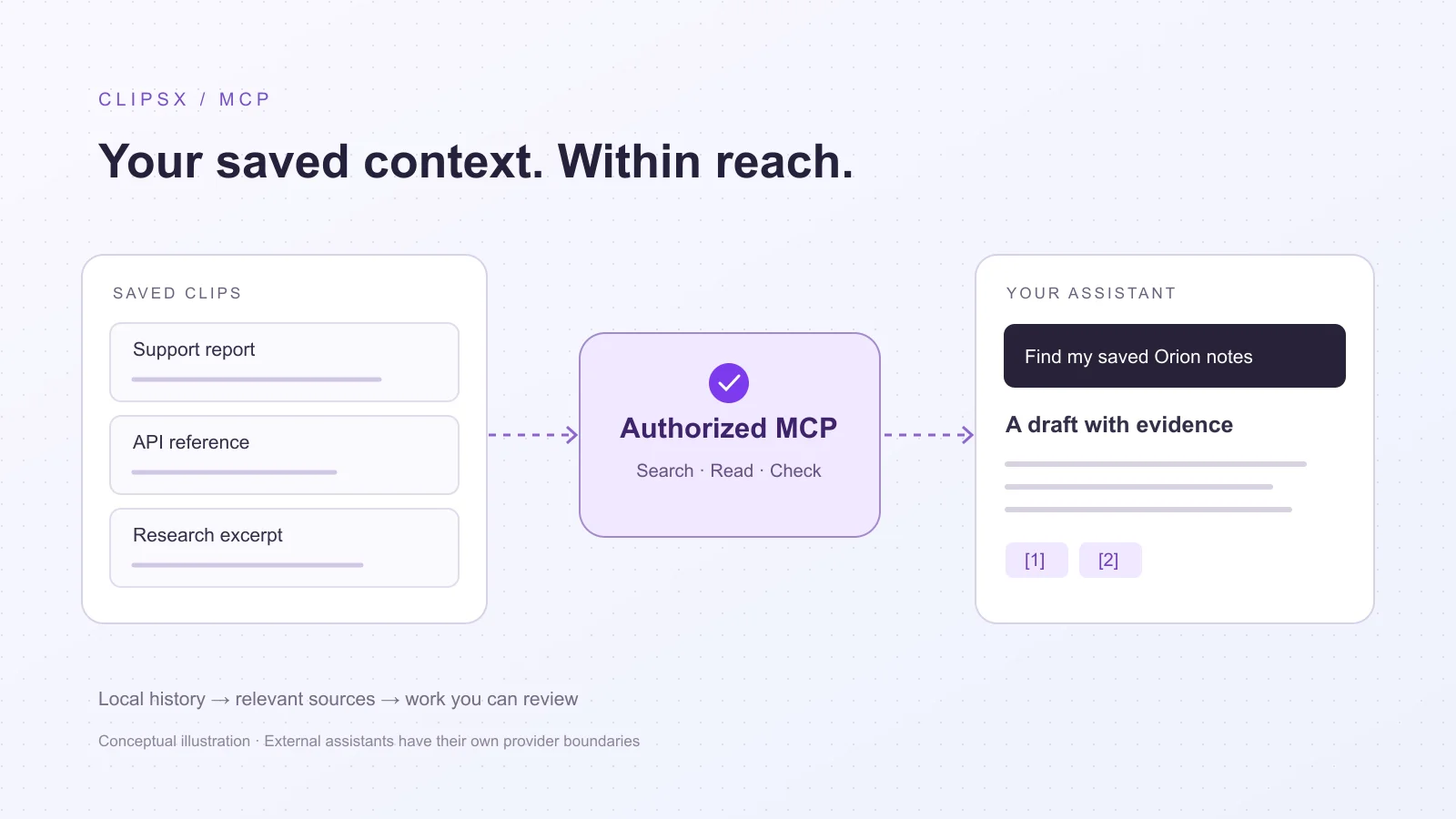
Assistant workflows6 min read
Search clipboard history from Codex and Claude Code
Connect developer assistants like Codex and Claude Code to local clipboard history using MCP. Grant scoped, read-only access to query past clips and verify citations against source evidence.
Read article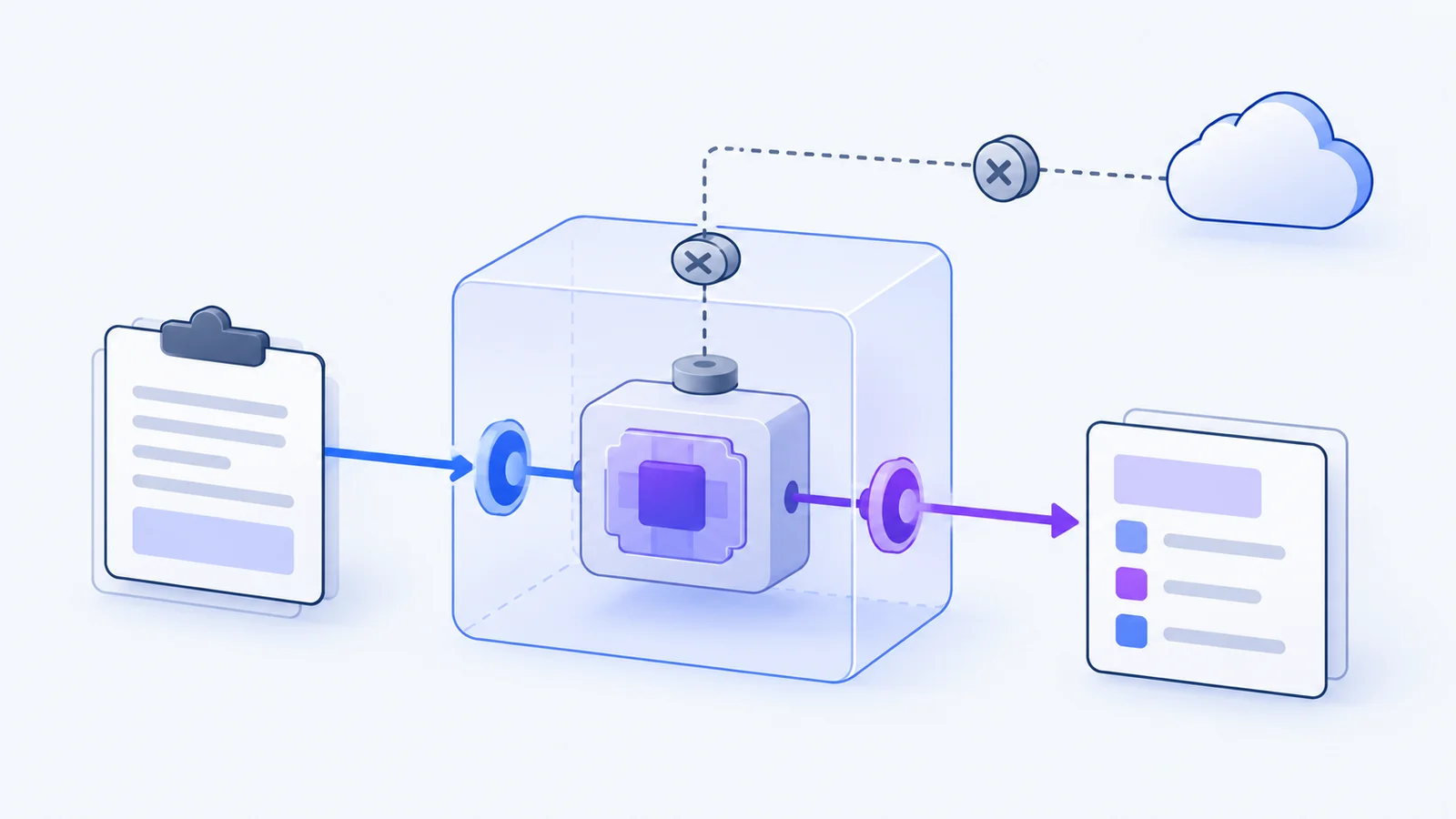
Extensions4 min read
Why clipboard extensions need boundaries
You copy API tokens, customer records, and private messages every day. Here is how WebAssembly sandboxing lets you format and transform snippets without leaking your clipboard.
Read article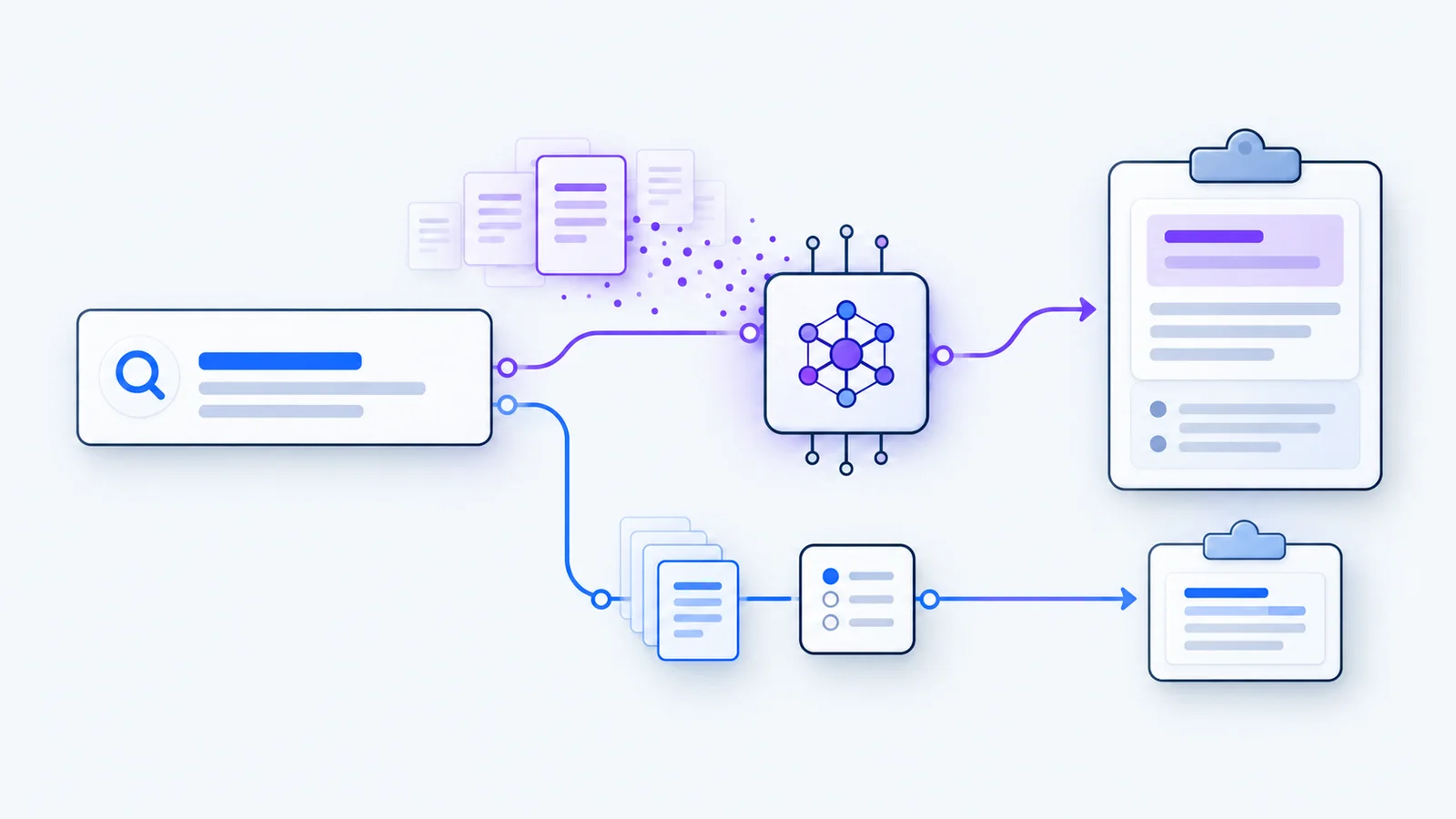
Local AI3 min read
Search clipboard history by meaning with Ollama
Use local embeddings to find a saved clip by its meaning. Compare search modes, follow the setup checklist, and inspect the original.
Read article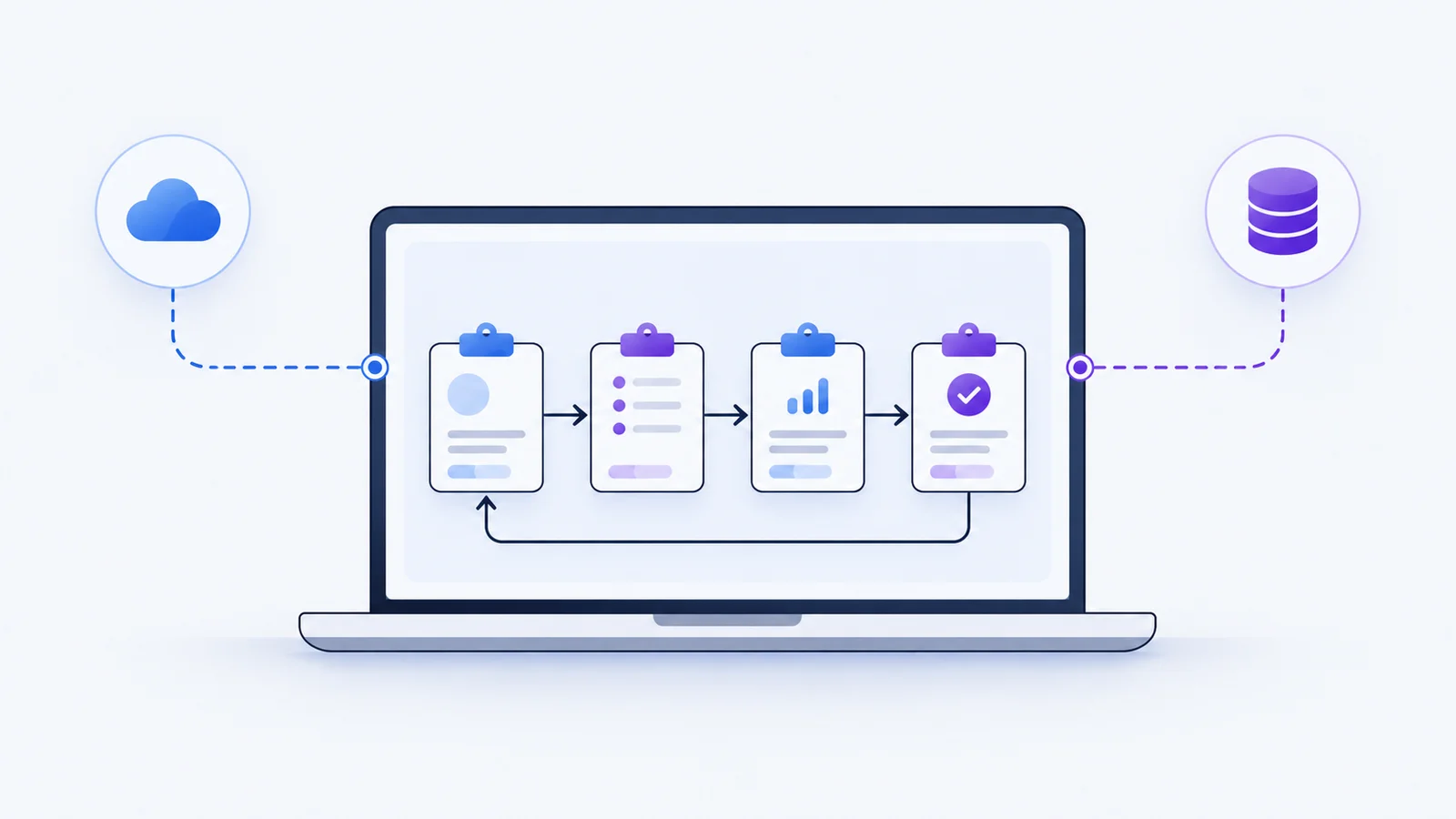
Privacy4 min read
Local-first is a data boundary, not a badge
What stays on your device, what an optional account changes, and what to check before connecting a service.
Read article